

How to add your vehicle
There are three ways in: look up a Norwegian plate, start from a VIN, or type the basics yourself. Only make and model are required.
Open Add vehicle
In your garage, press Add vehicle. Just signed up? The first-time setup asks for your first vehicle: enter a plate, or choose add manually. Add later skips it.
Look up a Norwegian plate
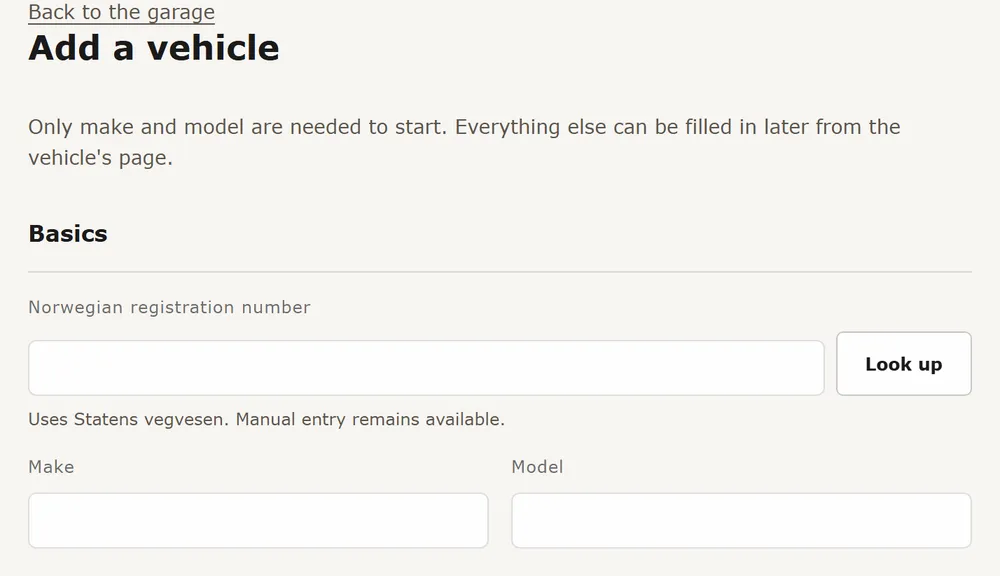
Type the plate under Norwegian registration number and press Look up. Moterno fetches what Statens vegvesen has (make, model, year and more) and fills in the form. Check it and fix anything that is off. This only works for Norwegian plates, and shows when your account's country is Norway. In the first-time setup, type the plate and press Continue.
Or start from a VIN
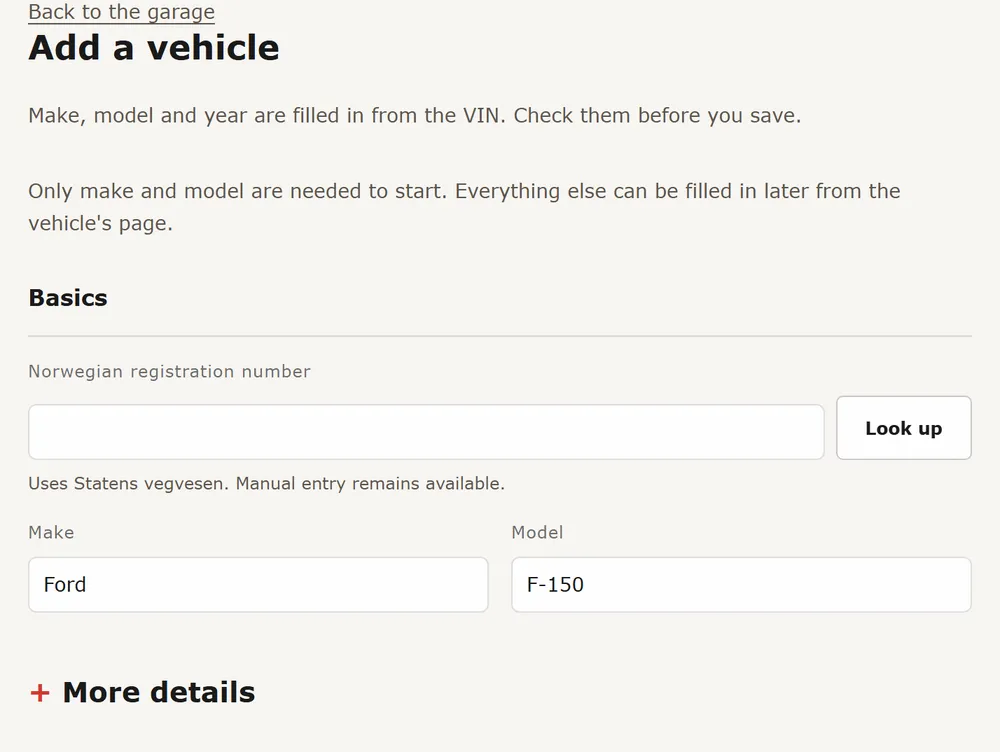
Decoded a VIN at vin.moterno.com? Press Save this vehicle to your free Moterno garage. Add vehicle opens with the VIN filled in, and make, model and year are filled in where they can be read from it. Check them before you save. This works for VINs from any make, decoded at vin.moterno.com or vw.moterno.com. You can also type a VIN into the form yourself, but only the link from the decoder fills in the rest.
Or fill in the basics
Type Make and Model. That is all that is required. Odometer, colour, engine, photos and the story can be added later from the vehicle's page.
Save
Press Add vehicle. The vehicle's page opens. For a Norwegian plate where the periodic inspection date is known (EU-kontroll in Norway), the reminder is added for you.
- If the VIN is already on another vehicle in Moterno, you are asked whether to request a transfer or create your own entry anyway.
- Moving from a UK MOT check or reminder? The link in the reminder e-mail opens Add vehicle with the UK registration, and make, model, year and colour are filled in where the MOT service knows them. Odometer is in miles.
- Everything here is free, with no card needed.