

Best apps to document road trips and vehicle journeys in 2026
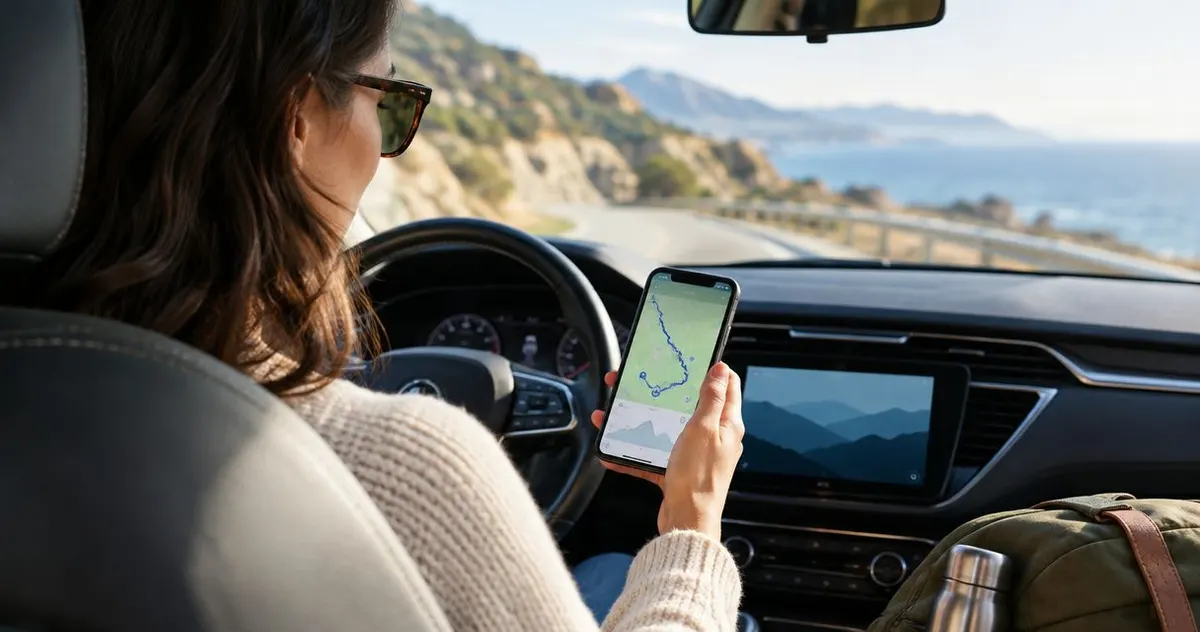
Best overall for vehicle-centered road-trip records: Moterno. Best for automatic travel mapping: Polarsteps. Best for a simple photo-first log: Google Photos. This 2026 guide compares the best app to log road trips by what you want to keep: the route, the memories, or the story of your car.
Why this matters
Remember where you stopped on that last drive? Now try remembering which car you took, what the odometer said, and whether that repair happened before or after the trip. A route on a map answers only part of the question.
The useful distinction in 2026 is travel history versus vehicle history. A travel journal follows your experience. A digital garage keeps the experience beside the car's service records, documents, and photos.
Choose the record you want to revisit before choosing the app. Otherwise, you finish the journey with a map in one place, pictures in another, and the receipt you actually need buried somewhere else.
What makes the best road-trip logging app?
Use these criteria to decide which kind of record matters most to you:
- Vehicle context: Can your trip sit alongside the car's service history, documents, and earlier stories?
- Route capture: Does the app record movements, or will you describe the route yourself?
- Storytelling: Can you explain what happened, rather than save only a location or image?
- Photo organization: Can you find a particular trip without scrolling through your entire camera roll?
- Privacy control: Do you understand who can see your locations, pictures, and documents?
- Recording effort: Will you keep using the app during an ordinary drive, not just a special vacation?
Automatic tracking and a thoughtful journal solve different problems. Tracking helps recover where you went; writing explains why that detour mattered. Neither replaces a service receipt when you want to document work on the car.
Road-trip logging apps at a glance in 2026
| App | Best for | Standout feature | Key limitation |
|---|---|---|---|
| Moterno | Keeping journeys with vehicle history | Vehicle photos, stories, documents, and service records | Vehicle records alone do not establish an exact driven route |
| Polarsteps | Automatic travel mapping | Travel tracking combined with trip steps and photos | A travel journal is not a vehicle maintenance record |
| Google Maps Timeline | Revisiting recorded movements | A location history organized around places and journeys | Recorded locations need review and do not explain the trip |
| Day One | Detailed personal travel writing | Journal entries combining writing and media | You need to write and organize the story yourself |
| Google Photos | A simple visual trip album | Photo albums and location information when present | Pictures alone leave gaps in routes and vehicle history |
The table separates record types rather than declaring that every app performs the same job. If you want a car's documented story, start with the digital garage. If you want a travel map, start with the route-focused option.
1. Moterno: best road-trip logging app for vehicle history
A digital garage puts the car at the center of the record. This platform lets owners and enthusiasts log service history, documents, photos, and stories for their vehicles. That makes it a fitting home for a journey you want to remember as part of the car's life, not just your vacation.
Imagine documenting a long drive in an older car. The interesting record includes the departure photo, the roadside stop, and the service receipt from before you left. Keeping those details with the vehicle gives the trip context that a standalone route map does not provide.
Moterno pros:
- Keeps vehicle stories and practical records within the same platform.
- Supports photos and documents as well as service history.
- Fits enthusiasts who care about what happened to a particular car.
- Includes a community marketplace for browsing or listing cars.
Moterno cons:
- A written vehicle story does not prove the exact route you drove.
- Useful documentation still depends on adding meaningful photos, records, and context.
Best for: Owners who want road trips to become part of their vehicle's documented history.
Verdict: Choose it for the car's story; skip it as a substitute for route tracking.
2. Polarsteps: best road-trip logging app for automatic travel mapping
Polarsteps combines travel tracking with a journal organized around trip steps. You can add photos and descriptions to give the mapped journey a story. Its focus is the trip itself, whether that trip involves driving or other travel.
That distinction helps when you want to remember a sequence of stops. A map provides the outline, while your captions explain the campsite, the scenic detour, or the place you decided to stay longer.
Polarsteps pros:
- Builds the travel record around a route and its stops.
- Combines a mapped journey with photos and written updates.
- Suits trips involving more than one type of transport.
- Provides a travel-focused alternative to a general notes app.
Polarsteps cons:
- Travel steps do not replace service records or vehicle documents.
- Location tracking depends on device permissions and recording conditions.
- A recorded route still needs review before you treat it as an exact account.
Best for: Travelers who want a mapped road-trip journal with pictures and stop-by-stop context.
Verdict: Choose it for travel mapping; skip it as your car's maintenance archive.
3. Google Maps Timeline: best road-trip logging option for revisiting movements
Google Maps Timeline helps you revisit recorded places and journeys when the feature is enabled and configured. It is useful for reconstructing movements you did not write down at the time. Think of it as supporting evidence for your journal, not the journal itself.
Check the record before copying it into a trip story. Location records can contain errors, and a stop on a map does not tell you whether you visited a museum, met a friend, or pulled over to inspect a noise from the engine.
Google Maps Timeline pros:
- Organizes recorded movements around places and journeys.
- Helps you revisit stops that you did not note manually.
- Keeps location review within a familiar mapping app.
Google Maps Timeline cons:
- Requires attention to recording settings and location permissions.
- Recorded places and movements need checking for accuracy.
- Does not replace written memories, receipts, or a vehicle service log.
Best for: Drivers who want to revisit where they went and use that information to support a separate trip record.
Verdict: Choose it as a location reference; skip it as your complete road-trip journal.
4. Day One: best road-trip logging app for personal travel writing
Day One is a journaling app for entries that combine writing and media. It fits the driver who wants to remember conversations, impressions, and small details that a route cannot capture. You decide what deserves an entry.
A good travel journal includes the ordinary moments as well as the highlights. Write about the quiet morning before departure or the reason you changed plans. Those details make the record useful to your future self.
Day One pros:
- Gives written memories a central place in the record.
- Supports media alongside journal entries.
- Works for travel stories that extend beyond driving.
- Lets you describe events in your own words rather than rely on a map.
Day One cons:
- You need to write and organize entries yourself.
- A personal journal does not inherently connect trips to structured vehicle service records.
- Journal entries are not a substitute for continuous route capture.
Best for: Drivers who care most about a readable personal account of the journey.
Verdict: Choose it for reflective travel writing; skip it when you only want passive route capture.
5. Google Photos: best road-trip logging option for photo-first memories
Google Photos lets you collect trip pictures into albums. Photos with location information can also help you place memories geographically. It is a straightforward choice when the camera already does most of your documenting.
An album becomes more useful when you select images deliberately. Include the car, a meaningful stop, and the people who joined you rather than keeping only scenery. Add context wherever a picture will not explain itself later.
Google Photos pros:
- Groups trip pictures into a dedicated album.
- Supports a visual record without requiring long journal entries.
- Uses location information when it exists in the photo record.
Google Photos cons:
- Photo locations do not establish a complete driven route.
- Missing pictures leave gaps in the trip's story.
- An album does not replace a structured service or vehicle document record.
Best for: Drivers whose main goal is an organized collection of road-trip pictures.
Verdict: Choose it for visual memories; skip it as a complete vehicle-history log.
Build a road-trip record you will actually use
You do not need to document every turn. You need enough information to understand the journey when the details are no longer fresh. Use this simple sequence for your next drive in 2026.
Gather records
Collect the relevant service receipt, booking information, and other trip documents before departure. Keep sensitive documents separate from anything you intend to share publicly. A travel story should not expose personal information simply because a receipt appeared in a photograph.
Note mileage
Record 2 odometer readings: one before departure and one after you return. Subtract the starting reading from the finishing reading to document the vehicle's trip distance. Keep that distinction clear: odometer distance describes the car's use, while a travel journal describes your experience.
Save photos
Start with 3 photos: the car before departure, a meaningful stop, and the car after returning. This is a manageable starting habit, not a limit. Add more when a repair, change, or memorable moment deserves its own record.
Add context
Create 1 trip entry explaining where you went, which vehicle you took, and what happened. Include any work performed during the journey. If a noise or warning remains unresolved, describe the observation without calling it a diagnosis.
Review privacy
Check the story before sharing it. Look for home addresses, personal details on receipts, and locations you do not want to publish. Also check that dates, photo captions, and vehicle references agree.
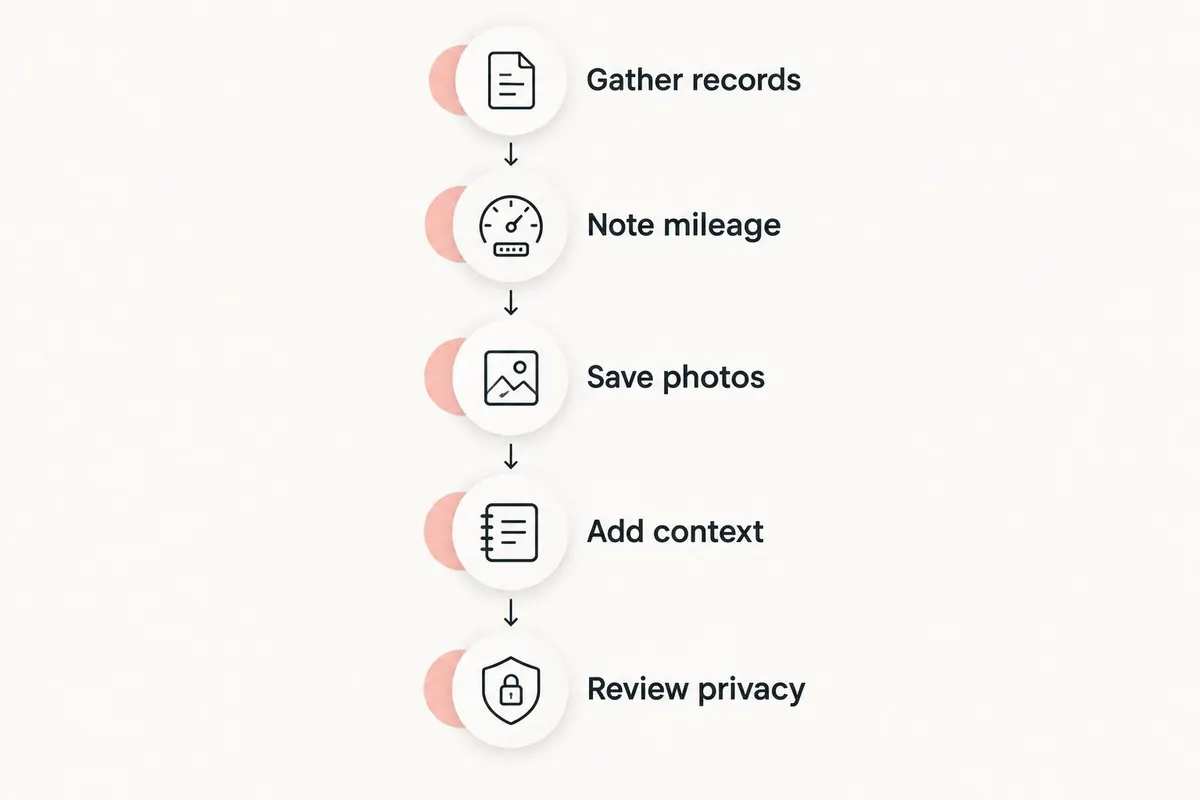
Your finished record should answer a simple question: what happened on this trip, and what does it tell you about the car? Keep the original receipt alongside your explanation rather than replacing it with a summary.
How these apps are ranked
This 2026 ranking prioritizes vehicle context, route capture, storytelling, photo organization, privacy, and recording effort. It compares each app's purpose rather than claiming identical features or results.
The digital garage comes first because this guide includes vehicle journeys, not only travel memories. Polarsteps is the stronger fit for a mapped travel journal; Day One is the stronger fit for written reflection. Your preferred record type determines the right choice.
Which road-trip logging app should you choose?
Choose a vehicle-centered record when the car matters as much as the destination. For a 2026 enthusiast trip, keep the story, photos, and relevant service documents together. Add a route-focused app only when recording the path is part of your goal.
If you are undecided, document one ordinary drive before committing to a larger trip. Notice what you actually revisit afterward: the map, the pictures, the writing, or the vehicle records. Choose the app that makes that information easiest for you to keep.
FAQ
What's the best app to log road trips in 2026?
The best app depends on the record you want: a digital garage for vehicle history, Polarsteps for travel mapping, Day One for writing, or Google Photos for pictures. Choose the record type before comparing individual features.
Is Polarsteps better than Google Maps Timeline for a road-trip journal?
Polarsteps is the better fit for a travel journal combining trip steps, photos, and descriptions. Google Maps Timeline is better treated as a reference for recorded movements rather than a complete written story.
Can I keep road trips with my car's service history?
Yes, a vehicle-centered digital garage can hold journey stories alongside service history, documents, and photos. Include the relevant receipts and explain any work completed during the trip.
Do I need automatic GPS tracking to document a road trip?
No, you can document a road trip with dates, odometer readings, photos, and written notes. Automatic tracking adds route information, but it does not replace the story or the vehicle records.
What's the easiest way to start a road-trip journal?
Start with a dedicated trip entry or photo album and record the vehicle, dates, and meaningful stops. Add context while you still remember why each stop mattered.
Should I share my road-trip location history publicly?
Share only the location details you are comfortable making public. Review routes, photos, and documents for home addresses and personal information before publishing them.
Can a photo album replace a vehicle journey log?
A photo album can preserve visual memories, but it does not replace a structured vehicle journey log. Add dates, mileage, written context, and relevant documents if you want to understand the car's history later.
One last thing
The best picture is not always the most useful record. Before you put the keys away, photograph the odometer and save any service receipt from the journey. Your future self can remember the view from a photograph; the car's record needs the details too.